
Manage Project Collaborators
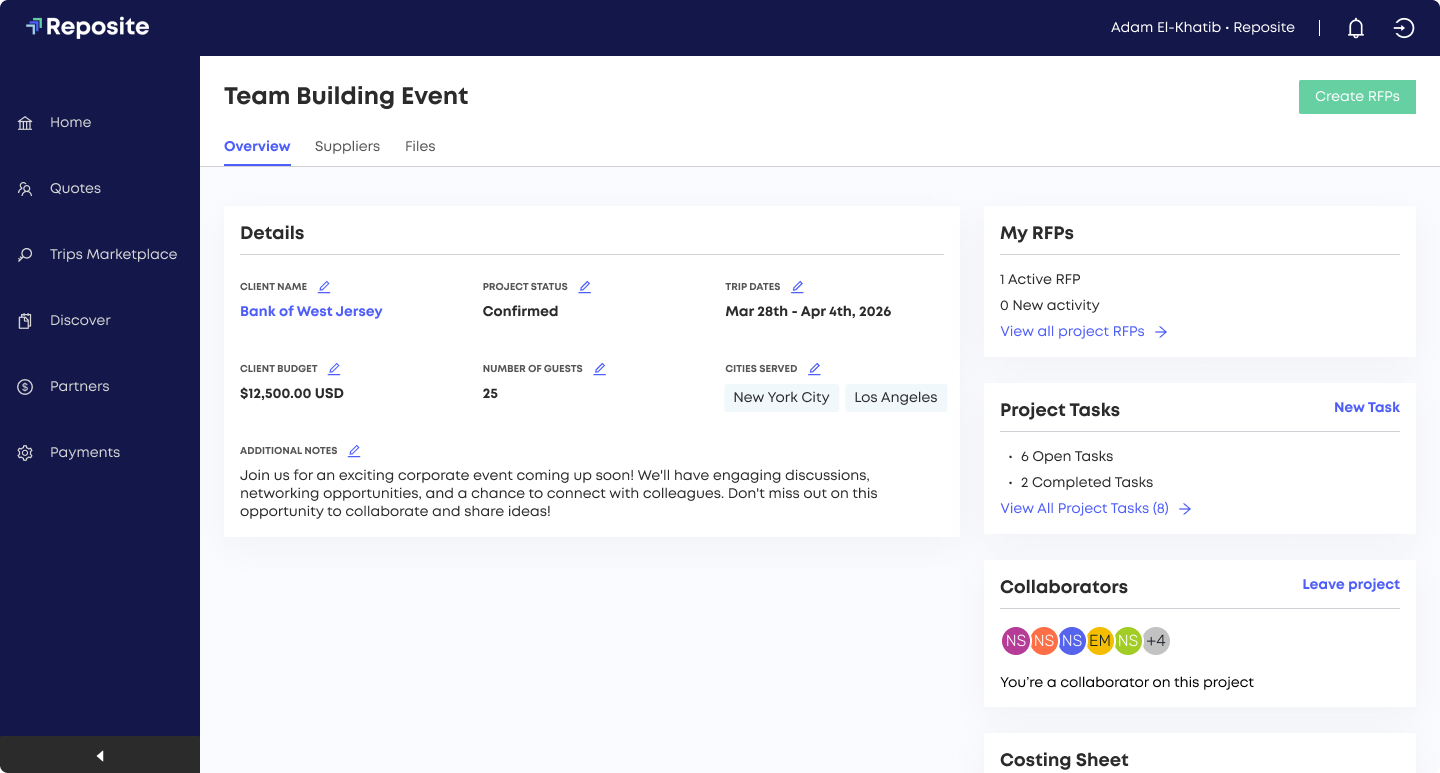
Controlling user-level project visibility is available for all planners. Planners can view only the projects they have created or those to which they have been added as collaborators, ensuring privacy and focus. Teammates can be easily added as collaborators for seamless event coordination.
Please note: Organizational admins have additional permissions, allowing them to centrally manage project access and assign collaborators across all projects, regardless of individual project ownership.
Project Collaborators
Assignment & Management:
Admins have access to all the projects in the account. By default, admins will not get notifications for RFPs on the project unless they create or edit a project or any of its RFPs.
Only Admins and Project Creators can manage collaborators on a project
Visibility rules apply to all project-related entities, including RFPs, quotes, and tasks
Projects shared by other team members would be visible under the "Active Team Projects" section
Project Creators cannot leave their own projects

Up Next
Need additional help?
We’ve got you covered – simply request a demo and a member of our team will reach out to answer any questions you may have.